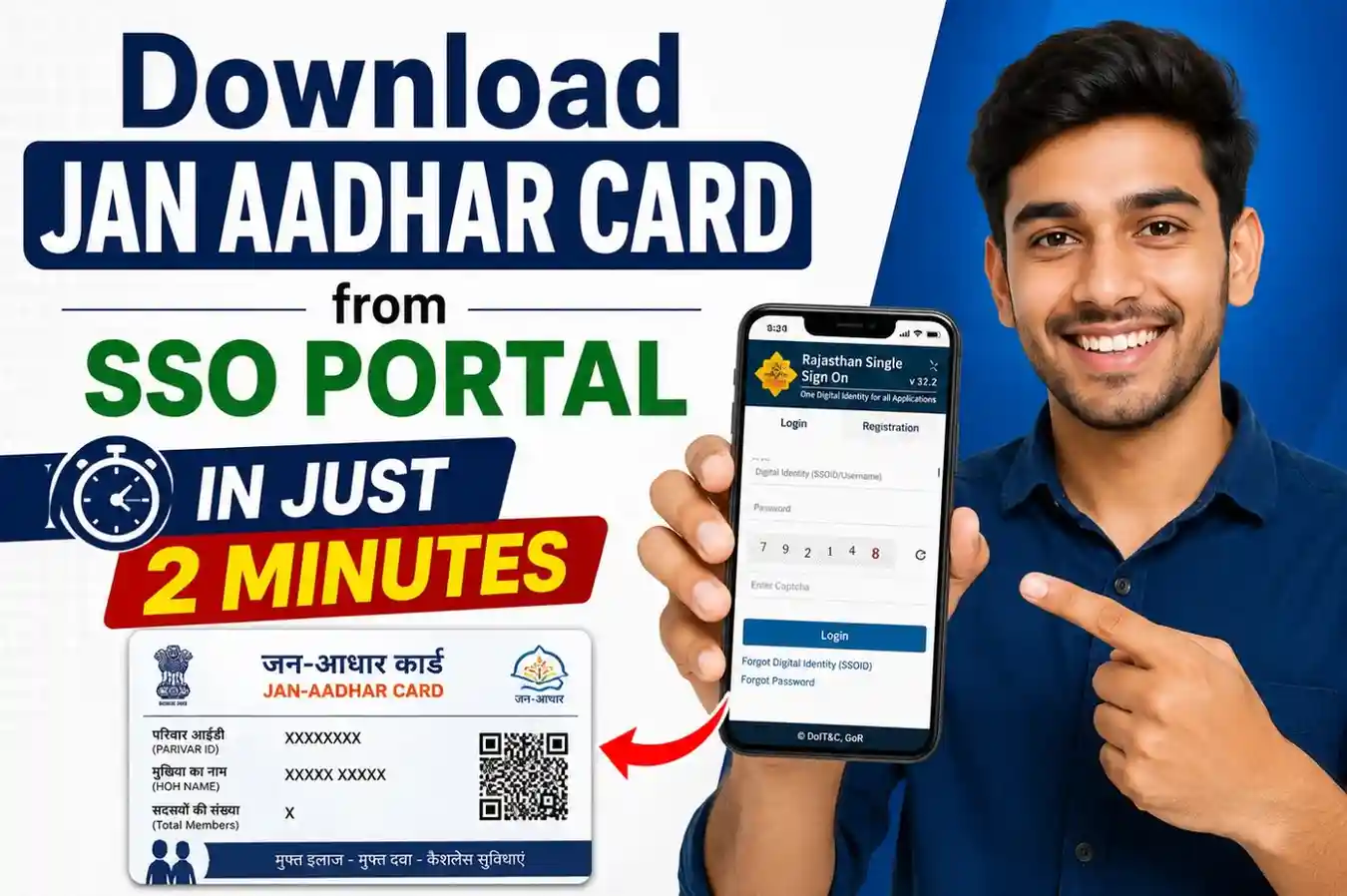
Download Jan Aadhar Card from SSO Portal in Just 2 Minutes
Do you need to download Jan Aadhar card from SSO portal but do not know where to start? You are in the right place.
This guide will show you how to get your Jan Aadhar card download done in just 2 minutes. You do not need to visit any office. You do not need to go to an eMitra kiosk. You just need your SSO ID and your SSO ID login details.
The Rajasthan government has made the entire Jan Aadhar card download process available online. You can do it from your phone or computer, sitting at home. The SSO portal at sso.rajasthan.gov.in is your gateway to get the e-Jan Aadhar card in PDF format instantly.
What is SSO ID and Why Do You Need It for Jan Aadhar?
SSO stands for Single Sign-On. It is a free online ID given by the Rajasthan government. With one SSO ID, you can access more than 200 government services. You don’t need a different login for each service. One ID works for everything, like jobs, certificates, schemes, bills and more.
Most importantly, you need your SSO ID to access Jan Aadhar services on the official SSO portal. When you want to download Jan Aadhar card from SSO portal, the system first asks you to do an SSO ID login. This is the authentication step. It confirms that you are a registered user and a real citizen of Rajasthan.
So, the SSO ID login is not optional. It is the door that opens all Jan Aadhar services for you, including the card download.
SSO ID was developed by:
- Rajasthan State Electronics Development Corporation (RSDC).
- Under the Rajasthan Information Technology Department.
Key facts about SSO ID
- It is 100% free to create.
- Works on mobile and desktop.
- Gives access to 200+ online services.
- Secure login with OTP verification and password.
- Helpline: 1800 180 6565 (free).
Don’t have an SSO ID yet? Read our complete guide: How to Create SSO ID in Rajasthan before you continue. You cannot download your digital card without it.
How to Login to SSO Portal for Jan Aadhar Download
Once you have your SSO ID, the SSO ID login process is simple. Follow these steps carefully.
Step 1: Open the official SSO portal
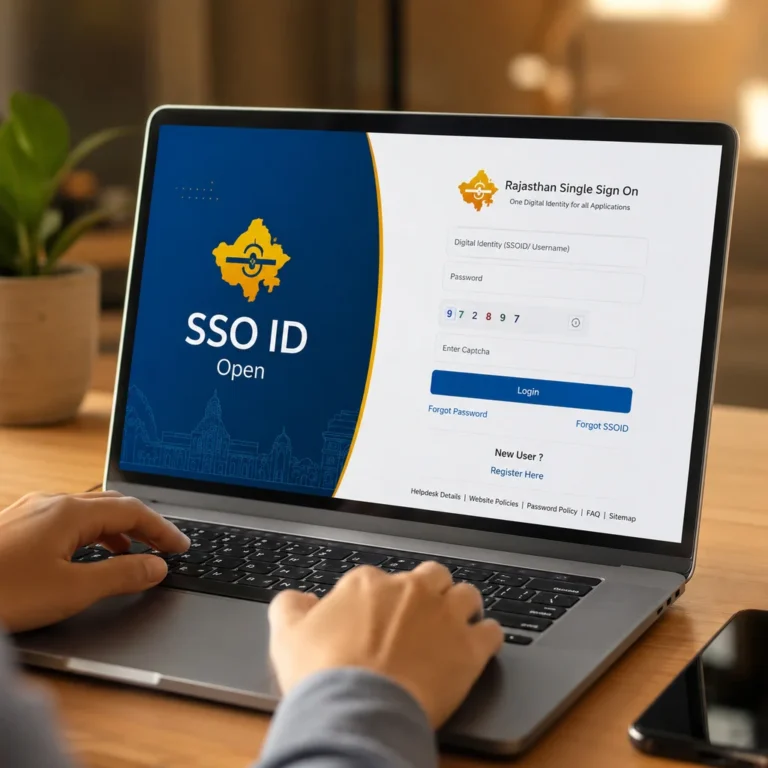
Go to sso.rajasthan.gov.in on your phone or computer. This is the only official portal for SSO ID login in Rajasthan.
Step 2: Enter your login details
Type your SSO ID in the username box. Then type your password. You can also log in using
- Jan Aadhar ID.
- Google account.
- DigiLocker.
Step 3: Fill the Captcha
A captcha code will appear on the screen. Type the characters you see. This is a security check.
Step 4: Enter OTP
After the captcha, an OTP (One Time Password) will be sent to your registered mobile number. Enter the OTP in the box. This step is called OTP verification or mobile authentication. It confirms your identity.
Step 5: Click Login
After OTP verification, click the Login button. You will land on your SSO dashboard where all citizen services are available.
Facing login issues? See our full guide: SSO ID Login Errors & Fixes for detailed troubleshooting and help.
Pro Tip: If the SSO portal feels slow, try logging in before 9 AM or after 9 PM. These are low-traffic hours and the portal works faster.
Step-by-Step: Download Jan Aadhar Card from SSO Portal
This is the main section. Follow each step carefully. This is the exact process to download Jan Aadhar card from SSO portal in 2 minutes.
Step 1: Login to SSO Portal
Open sso.rajasthan.gov.in in your browser. Complete your SSO ID login using your username, password, CAPTCHA and OTP. After successful user verification, you will see your SSO dashboard. This dashboard shows all the online services available to you as a registered Rajasthan citizen.
Step 2: Search Jan Aadhar in the Dashboard
- After your portal login, look at the search bar on your SSO dashboard.
- Type Jan Aadhar in the search box.
- You will see the Jan Aadhar option appear. Click on it.
- This will take you to the Jan Aadhar portal at janaadhaar.rajasthan.gov.in.
- You are now inside the official Jan Aadhar services section.
Step 3: Enter Your Jan Aadhar Details
On the Jan Aadhar portal, you will see an option called “Get E-Card” or “Download Card”. Click on it.
Now enter one of the following
- Your Jan Aadhar ID (10-digit number).
- Your Family ID.
- Your Member ID.
After entering your ID, a list of family members will appear on the screen. This is your family card list. Select the member name for which you want to download the card. You can download individual member cards one by one.
The system may ask for Aadhaar-linked mobile OTP for member authentication. This is an additional security step called authenticate or authentication. Enter the OTP you receive on your registered mobile number.
Step 4: Download the E-Card PDF
- After member verification is done, you will see the Download Card button.
- Click on Download PDF or Get E-Card.
- Your e-Jan Aadhar card will be downloaded in PDF format.
Important note about the PDF password:
The downloaded PDF is password-protected. The password is usually made from
- First 4 letters of the family head’s name (in capital letters).
- Birth month and year.
For example: If the family head’s name is RAMESH and birth date is June 1985, the password would be RAME0685. After downloading, open the PDF, enter the password, and your Jan Aadhar card is ready.
You can now save PDFs on your phone or computer. You can also print the card on plain paper. It is valid at hospitals and ration shops for all government scheme verifications in Rajasthan.
Prerequisites: What You Need Before Downloading
Before you start the Jan Aadhar card download process, make sure you have all of these ready.
1. Active SSO ID: You must have a working SSO ID. If you don’t have one, create it first. → Read: How to Create SSO ID.
2. Completed SSO ID Login: You must know your SSO password. If you forgot it, reset it before starting. → Read: SSO ID Login Guide.
3. Registered Mobile Number: Your mobile number must be linked to your SSO ID account. OTP for mobile authentication will be sent here.
4. Jan Aadhar Enrollment Number (optional): If you have your 10-digit Jan Aadhar ID, the process becomes faster. But it is not always required. You can also search by family member details.
5. Stable Internet Connection: A slow connection can interrupt the download process. Use Wi-Fi or a good mobile data connection.
How to Download Jan Aadhar Without SSO Login
What if you do not have an SSO ID right now? Don’t worry. There are 3 other ways to do a Jan Aadhar card download.
Option 1: Via Jan Aadhar App (Rajasthan Jan Aadhar App)
The Rajasthan Jan Aadhar App is available on the Google Play Store. Download it on your Android phone.
Here is how to use it.
- Open Google Play Store on your phone.
- Search for Jan Aadhar App or Rajasthan Jan Aadhar App.
- Download and install the official app.
- Open the app.
- The SSO Login option will appear tap it.
- Enter your SSO ID login details (username and password).
- After login, tap Get Jan Aadhar ID.
- Your Jan Aadhar ID will show on screen.
- Tap Get E-Card to download card to your phone.
- Save the card or take a screensho
This is the official mobile authentication method via the app.
Option 2: Via Jan Soochna Portal
Go to the Jan Soochna Portal (jansoochna.rajasthan.gov.in). You can check your application status and access Jan Aadhar services here. No login is required to view basic information on this online portal.
Option 3: Via eMitra Kiosk
Visit your nearest e-Mitra centre. Give your family ID or Jan Aadhar ID to the operator. They will view card and download PDF for you. A small service charge may apply.
Note: The SSO portal method is the fastest. It gives you instant digital downloads from portal access without any middleman.
Common Errors While Downloading Jan Aadhar via SSO
Many people face small issues during the download process. Here is a quick fix table for common errors.
| Error | Cause | Fix |
| Invalid SSO ID or password | Wrong credentials | Reset password via SSO portal → SSO ID Login Guide. |
| Jan Aadhar not found | Enrollment still pending | Check application status at janaadhaar.rajasthan.gov.in. |
| PDF not downloading | Browser issue | Use Google Chrome. Clear cache and cookies. |
| Member name missing from list | Data entry error at enrollment | Update details via Jan Aadhar portal. |
| The captcha is not loading | Slow internet or browser issue | Refresh page or switch to mobile data. |
| OTP not received | Wrong registered mobile number | Update your mobile number in the SSO portal profile. |
| Portal showing error | High traffic time | Try again before 9 AM or after 9 PM. |
| PDF opens but is blank | Corrupted download | Delete the file and download PDF again |
How to Download Jan Aadhar Card on Mobile Phone
Many people in Rajasthan use phones more than computers. The good news is that the Jan Aadhar card download works fully on mobile.
Method 1: Mobile Browser (SSO Portal)
- Open Chrome or any browser on your phone.
- Go to sso.rajasthan.gov.in.
- Complete SSO ID login (SSO ID + password + captcha + OTP).
- Search Jan Aadhar on your SSO dashboard.
- Click Jan Aadhar, then tap Get E-Card.
- Enter your Jan Aadhar ID or Family ID.
- Select the member name.
- Tap Download Card.
- The PDF will save to your phone’s downloads folder.
Method 2: Rajasthan Jan Aadhar App
Follow the steps mentioned in the “Without SSO Login” section above. The Jan Aadhar App is the easiest mobile method.
Tips for mobile download:
- Use Chrome for best results.
- Enable pop-ups in your browser settings.
- Allow download permissions when asked.
- After download, open the PDF with a PDF reader app.
- You can share the digital card via WhatsApp directly from the downloads folder.
- The e-Jan Aadhar on your phone is valid. You don’t always need a printed copy
What is Jan Aadhar Card? Benefits and Uses
Let’s understand what Jan Aadhar card is and why the digital download matters so much for Rajasthan families.
What is Jan Aadhar?
Jan Aadhar is the One Number, One Card, One Identity. A program launched by the government of Rajasthan.
It gives to every family in Rajasthan.
- One Family ID (10-digit number).
- One family card that covers all members.
- Individual member cards that can be downloaded separately.
- Access to Jan Aadhar services across all government departments.
The Jan Aadhar ID is linked to the family head’s Aadhaar and registered mobile number. It acts as a digital identity for every family in Rajasthan.
Key Benefits of Jan Aadhar Card
1. Chiranjeevi Swasthya Bima Yojana: You can get free health insurance and cashless treatment at empanelled hospitals. The hospital scans your card’s QR code for instant member authentication.
2. Free Food Grain Scheme: At ration shops across Rajasthan, your Jan Aadhar card is scanned to verify eligibility and give you your grain allocation.
3. Palanhar Yojana: Financial support for orphaned children and those in need is linked directly to the Jan Aadhar ID.
4. 50+ Government Schemes: All direct benefit transfers (DBT) in Rajasthan go through the Jan Aadhar portal. One Family ID links you to all of them.
5. No More Document Hassle: Instead of carrying multiple documents, one Jan Aadhar card proves your identity, address, and family details anywhere in Rajasthan.
Jan Aadhar vs Aadhaar Card: Key Differences
| Feature | Jan Aadhar Card | Aadhaar Card |
| Issued by | Government of Rajasthan | Government of India (UIDAI) |
| Covers | Entire family | Individual only |
| Use | Rajasthan state schemes | Pan-India identity |
| Format | Family ID + Member ID | 12-digit individual number |
| Download | Via SSO portal | Via UIDAI portal |
Related Guides
- How to Create SSO ID in Rajasthan Complete Guide ← Start here if you don’t have an SSO ID
- SSO ID Login Complete Guide & Error Fixes ← Fix any login issues instantly
- How to Check Jan Aadhar Application Status Online
- How to Add or Remove a Family Member in Jan Aadhar
- Jan Aadhar vs Aadhaar Card Full Comparison
Frequently Asked Questions
Can I download Jan Aadhar card without SSO ID login?
Yes. You can use the Rajasthan Jan Aadhar App from the Google Play Store, visit the Jan Soochna portal go to an eMitra kiosk. However, the SSO portal method is the fastest and most reliable way to do a Jan Aadhar card download without visiting anywhere.
What is the difference between Jan Aadhar number and SSO ID?
Your Jan Aadhar ID is a 10-digit family number given by the Rajasthan government. It identifies your family in the Jan Aadhar database. Your SSO ID is a login credential for the SSO portal. It gives you portal access to download the card and use all Jan Aadhar services online.
How do I get an SSO ID if I don’t have one?
Visit sso.rajasthan.gov.in and click Register. You can sign up using your Jan Aadhar ID, Aadhaar card, Google account mobile number. It is free and takes less than 1 minutes
How do I update my mobile number in Jan Aadhar?
Log in to your SSO ID account at sso.rajasthan.gov.in. Go to the Jan Aadhar section. Select the update/edit option. Update your registered mobile number and verify with OTP. After updating, you must also update the number in your SSO portal profile to keep both in sync.
Can I download Jan Aadhar card for all family members at once?
No. The download process requires you to select each member one by one. You will see a list of all family members after entering your Family ID. You can then download card for each individual member separately and save each PDF on your device.