SSO ID Open: How to Open Your SSO ID Rajasthan Account in 2026
You want to open your SSO ID but you are not sure where to start. That is totally fine. Millions of people in Rajasthan search for this every single day. This guide covers everything you need. Registration, login, recovery, troubleshooting and more.
We built this at sso-id.se to make things simple. You will not find complicated language here. Just clear steps that actually work.
What Does “SSO ID Open” Mean?
People search “SSO ID open or raj sso id login” for two different reasons. Some want to create a brand new account. Others just want to log back into their existing one.
Both are covered here. You are in the right place.
Opening SSO ID for the First Time (New Registration)
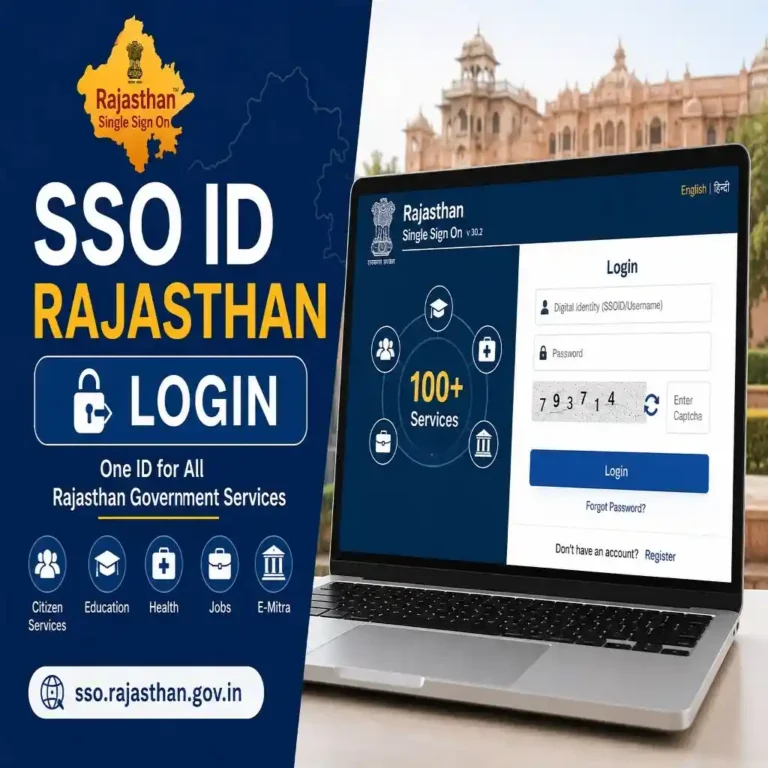
If you have never used the Rajasthan SSO portal before, opening an SSO ID means creating your account. You register once. After that, you get a unique username. That username works across 100 plus government services.
Think of it as your digital identity card for all Rajasthan government work.
Opening or Logging Into an Existing SSO ID Account
Already registered? Then opening your SSO ID simply means going to the portal and logging in. Your credentials stay the same every time. One ID. One password. Done.
How to Open SSO ID Rajasthan: Step-by-Step Registration
Creating a new SSO ID is free. It takes about five minutes. You just need the right documents ready.
Who Can Open an SSO ID? (Eligibility)
Before you start, check that you qualify.
- You must be a resident of Rajasthan.
- Your age must be at least 18 years.
- You need an active mobile number.
- A valid email address is required.
Government employees and business owners can also register. The process is slightly different for each user type.
Documents Required to Open SSO ID
| User Type | Documents Needed |
|---|---|
| Citizen | Jan Aadhaar, Aadhaar Card or Gmail/Facebook account |
| Government Employee | SIPF Number and employee credentials |
| Business Owner | Bhamashah Udyog or BRN (Business Registration Number) |
Keep your documents ready before you start. It saves time.
Open SSO ID as a Citizen (Jan Aadhaar / Aadhaar / Gmail)
This is the most common way. Most people in Rajasthan register as citizens.
- Go to sso.rajasthan.gov.in in your browser.
- Click the Register button on the top right.
- Select Citizen from the three options on screen.
- Choose your preferred method: Jan Aadhaar, Aadhaar or Gmail.
- Enter your details and verify with OTP.
- Create your unique SSO ID username and password.
- Accept the terms and submit.
Your SSO ID is ready the moment you complete registration.
Tip: Jan Aadhaar is the fastest method. The portal auto-fills your name and date of birth from the database.
Open SSO ID as a Government Employee (SIPF Number)
Government employees follow a slightly different path. You will need your SIPF ID handy.
- Visit sso.rajasthan.gov.in.
- Click Register.
- Select Government Employee.
- Enter your SIPF number.
- Verify and set your password.
- Your account is linked to your department automatically.
Open SSO ID as a Business (Udyog / BRN)
Business owners select Udyog during registration. Your Business Registration Number links your account to your company. This gives you access to GST services, drug license renewals, trade-related portals and more.
How to Open SSO ID Login: Access Your Existing Account
You have your SSO ID and password. Now you just need to get in. This section covers every way to do it.
Open SSO Portal at sso.rajasthan.gov.in
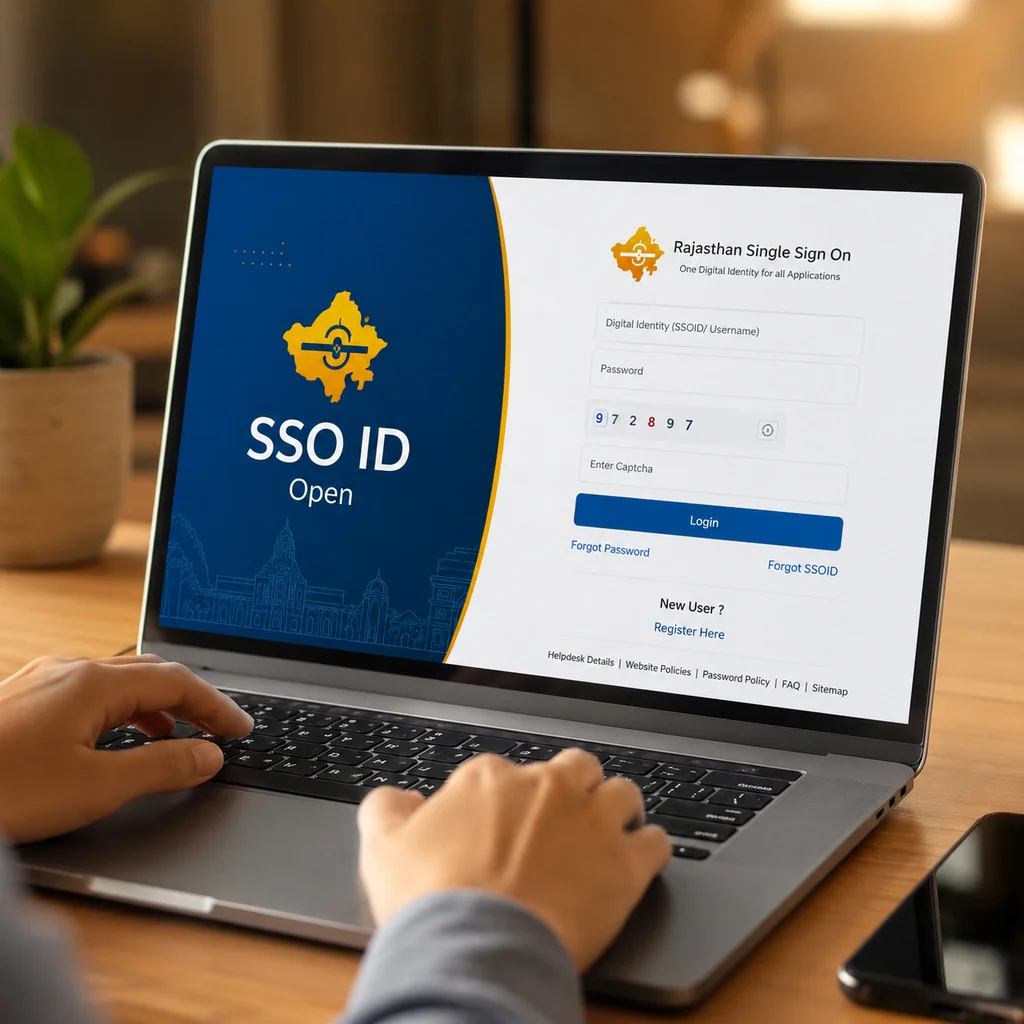
Open your browser. Type sso.rajasthan.gov.in in the address bar. Press enter. You will land on the official Rajasthan SSO portal homepage.
Always use the official portal. Third-party sites can put your account at risk.
Login With SSO ID and Password
This is the standard way most people log in.
- Visit SSO ID Login website and Enter your SSO ID or registered mobile number or email.
- Type your password.
- Complete the captcha code.
- Click the Login button.
- Your dashboard opens with all services available.
Your dashboard shows every service as a clickable icon. Services are grouped by category. Citizen services. Employee tools. Business utilities.
Login Using Aadhaar OTP (Quick Login 2026)
This is a new feature added in 2026. It is very helpful if you forget your password.
- Go to the login page.
- Click the Aadhaar OTP option.
- Enter your 12-digit Aadhaar number.
- An OTP arrives on your Aadhaar-linked mobile.
- Enter the OTP and you are in.
Senior citizens find this method especially easy. You do not need to remember any password.
Open SSO ID on Mobile App
The official Rajasthan SSO app is available on the Google Play Store. Download it from there only. Third-party APK files are not safe for your credentials.
Once installed, open the app. Log in with your SSO ID and password. The mobile interface works just like the web version. All services are accessible.
The app also supports biometric login in 2026. More on that below.
Can’t Open SSO ID? Common Issues and Fixes
Sometimes things go wrong. Here is what to do in each situation. You do not have to call anyone for most of these issues.
Forgot SSO ID – How to Recover Your Username
This happens to a lot of people. Your SSO ID is your username, not your mobile number. People mix them up all the time.
- Go to the SSO login page at sso.rajasthan.gov.in.
- Click Forgot SSO ID.
- Select your recovery option: mobile number, email or Aadhaar.
- Enter the required information.
- Click Submit.
- Enter the OTP sent to you.
- Your SSO ID appears on screen.
Write it down somewhere safe after recovery.
You can also use our dedicated recovery guide at sso-id.se/recover-sso-id for more detailed steps.
Forgot Password – How to Reset and Open Account
Forgetting your password is easy to fix.
- Open the SSO portal login page.
- Click Forgot Password.
- Pick a recovery method: mobile, email or Aadhaar.
- Verify your identity with OTP.
- Set a new strong password.
- Log in again with the new password.
Use a password you have not used before. Mix letters, numbers and symbols.
OTP Not Received – What to Do
This is a very common problem. Here are the things to check.
- Make sure your phone has signal.
- Check that Do Not Disturb mode is off.
- Wait at least 60 seconds before requesting a new OTP.
- Make sure the mobile number linked to your account is still active.
- Try requesting OTP to your email instead.
If none of these work, contact the SSO helpline at 1800 180 6565. The call is free.
Account Locked or Blocked – How to Reopen
Too many wrong password attempts can lock your SSO ID. This is a security feature. It protects your data.
To unlock your account, click Forgot Password and go through the reset process. Your account gets unlocked automatically once you reset your password successfully.
If the account is blocked for another reason, contact the helpline or use the support ticket inside the dashboard.
SSO Portal Not Opening – Browser and Cache Fixes
| Problem | Fix |
|---|---|
| Page not loading | Clear browser cache and cookies |
| Login button not working | Try a different browser (Chrome or Firefox) |
| Error message on screen | Refresh the page and try again |
| White screen or blank page | Disable browser extensions |
| Portal slow to respond | Use the mobile app instead |
Most portal loading issues fix themselves with a cache clear. Press Ctrl + Shift + Delete on your keyboard to open the clear cache option in most browsers.
What Can You Access After Opening SSO ID?
Once your SSO ID open process is complete and you are logged in, a whole world of government services becomes available to you. All from one dashboard.
Government Services Available
| Category | Services |
|---|---|
| Employment | RPSC and RSSB recruitment portals, job applications, status tracking |
| Scholarships | SJE scholarship portal, eligibility checks, application status |
| Finance | GST registration, return filing, tax services |
| Social Welfare | RajSSP pension portal, welfare scheme applications |
| Land Records | Check land details, mutation requests, property tax payment |
| Health | Health insurance portal, Rajasthan health scheme access |
| Certificates | Digital caste certificate, domicile certificate (new in 2026) |
| Police | Online FIR filing, complaint tracking |
| Transport | Vehicle registration, driving license, transport permits |
| eMitra | Bill payments, citizen services, document submissions |
This list keeps growing. Over 15 new services were added in early 2026 alone.
How to Open a Specific Service From the SSO Dashboard
After login, your dashboard shows all services as icons. Find the service you need. Click its icon. The portal opens that specific department page directly. You do not need to log in again anywhere.
This is the core benefit of the SSO ID open system. One login. Every service.
SSO ID Open on Mobile – Android and iOS Guide
You do not need a desktop to use the SSO portal. Your phone works perfectly well.
Download the Official Rajasthan SSO App
Search for “Rajasthan SSO” on the Google Play Store. Download the official government app. Install and open it. Log in with your SSO ID and password. The app connects to the same account and services as the web portal.
Do not install apps from random websites. Only the Play Store version is safe and verified.
Open SSO ID Using Biometric Login (Face ID / Fingerprint)
The 2026 app update brought biometric login. This means you can open your SSO ID without typing your password every time.
To enable it:
- Log in to the app with your password once.
- Go to Profile Settings inside the app.
- Tap Security Settings.
- Enable Face ID or Fingerprint.
- Confirm with your current password.
From the next login, your face or fingerprint opens your account instantly. It is faster and more secure than typing a password.
The 2026 update also added Two-Factor Authentication (2FA). You can turn it on from Profile Settings for an extra layer of protection.
SSO ID Login vs SSO ID Open – What is the Difference?
People often use these terms differently. Here is a simple comparison to clear any confusion.
| Term | What It Means |
|---|---|
| SSO ID Open (New User) | Creating your SSO account for the first time |
| SSO ID Open (Existing User) | Logging into your already created account |
| SSO ID Login | Accessing the portal with your username and password |
| SSO ID Register | The process of creating your new SSO ID |
| Forgot SSO ID | Recovering your username you already have |
All of these relate to the same system. The Rajasthan Single Sign-On portal at sso.rajasthan.gov.in.
Frequently Asked Questions
Is it free to open an SSO ID?
Yes. Registration on the official SSO portal is completely free. You do not pay anything to create or use your SSO ID.
Can I open SSO ID without Aadhaar?
Yes, you can. You can register using your Gmail account or Facebook account as an alternative. However, Aadhaar or Jan Aadhaar gives you access to more services and is the recommended method.
How long does it take to open an SSO ID?
The entire registration process takes around 5 to 10 minutes if your documents are ready. Account activation is instant after OTP verification.
Can I open multiple SSO IDs?
You should not create multiple SSO IDs. If you accidentally made more than one, you can merge them through the portal. Visit sso-id.se/sso-id-merge to learn how the merge process works.
How do I open SSO ID for a family member?
Each person needs their own individual SSO ID. You can help them register using their own Aadhaar or Jan Aadhaar details. Your SSO ID cannot be used for someone else’s services.
What if I move out of Rajasthan? Can I still use my SSO ID?
Your SSO ID remains active. However, some services are exclusively for current Rajasthan residents. Your account and its data stay intact regardless of your location.
Is the SSO portal safe to use?
Yes. The portal uses encryption technology, OTP verification and biometric authentication. The 2026 update also added Two-Factor Authentication for extra security. Your data is protected under government security standards.
What is the SSO helpline number?
The helpline number is 1800 180 6565. It is a toll-free number and available during working hours. You can also submit a support ticket directly from your SSO ID Open dashboard for non-urgent issues.
Can I access SSO ID on iPhone?
The official app is currently on Google Play Store for Android. iPhone users can access the full portal through their mobile browser at sso.rajasthan.gov.in. The site is fully mobile-responsive and works well on Safari and Chrome for iOS.
What is the difference between SSO ID and Jan Aadhaar?
Jan Aadhaar is a family identity document issued by the Rajasthan government. Your SSO ID open is your digital login account for government services. You can use Jan Aadhaar to register and verify your SSO ID, but they are two different things.